Interactive 3D walkthrough · Ireland
What does an interactive 3D house walkthrough cost in Ireland?
There is no fixed price. Contact us and Tom will give a quote for your project, based on the size of the house, the number of rooms and the finishes you want to try. The garden layout and the electrical plan are included in the package.
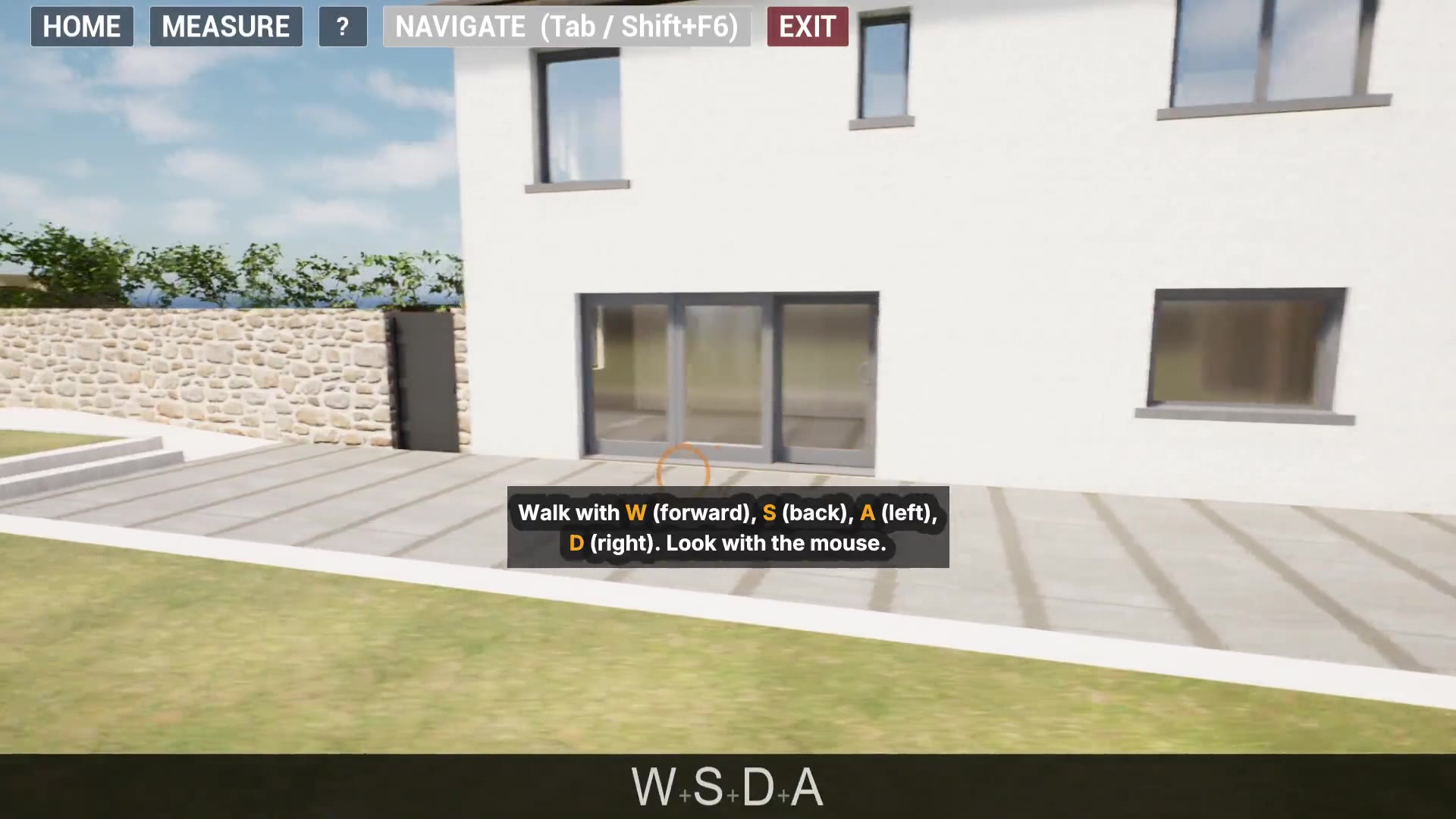
The walkthrough is built from your house plans in Unreal Engine 5 and runs on a Windows PC. You can walk the whole site, including the garden. This page explains what affects the quote, what to send, and what the walkthrough does not do.
What is in the package?
The package is what you get:
- Your house and site layout, including the garden design, built in 3D with the configurator.
- The models already in the configurator, including the kitchen units.
- The electrical plan, output from the app as image and PDF files.
What affects the quote?
| What | Why it matters |
|---|---|
| Size of the house | More floor area means more walls, roof and detail to build into the model. |
| Number of rooms | Each room needs its doors, openings and fittings set up so you can walk and furnish it. |
| Finishes | The more floor finishes you want to compare, the more there is to prepare. |
What should I send?
- Your plans. Floor plans for each level, the elevations and the site or garden layout, supplied with the copyright owner's permission.
- What you want to check. For example room sizes, kitchen layout, the garden, where the sun falls, or socket positions.
Formats we can work from
Send us your plans as PDF drawings, scans or clear images with the dimensions marked, or 3D as STEP or Blender files. DWG, DXF, SVG or another format? Check with us first. This is about the plans you send in. The electrical plan is output from the app as image and PDF files.
How do I request a quote?
- Email tom@plansbytom.com with your plans attached, or use the email buttons on the homepage.
- Tom looks at the plans and replies with a quote for your project.
- If you go ahead, the walkthrough is built from your plans.
What the walkthrough does not do
- It does not replace your drawings, your designer or your engineer. It is built from their plans.
- The sun study is a visual check of light and shadow, not a formal daylight assessment.
- Electrical items show positions only. Your electrician designs the circuits and signs off the installation.
- It runs on a Windows PC.
Ask for a quote
Email your plans to tom@plansbytom.com. Contact us and Tom will give a quote for your project.
Frequently asked questions
Do you publish a price list for walkthroughs?
No. Every house is different, so contact us and Tom will give a quote for your project once he has seen your plans.
What makes one walkthrough cost more than another?
Mainly the size of the house, the number of rooms and how many finishes you want to try. The garden layout and the generated electrical plan are included in the package.
What should I send to get a quote?
Your floor plans and elevations and the site or garden layout, supplied with the copyright owner's permission, plus a short note on what you want to check in the walkthrough.
What formats can you work from?
Send us your plans as PDF drawings, scans or clear images with the dimensions marked, or 3D as STEP or Blender files. DWG, DXF, SVG or another format? Check with us first. This is about the plans you send in. The electrical plan is output from the app as image and PDF files.
How do I ask for a quote?
Email tom@plansbytom.com with your plans attached, or use the email buttons on the homepage, which open an email to the same address.
What is in the package?
Your house and site layout, including the garden design, built in 3D with the configurator, plus the models already in the configurator, including the kitchen units, and the electrical plan, output from the app as image and PDF files.
What do I need to run the walkthrough?
A Windows PC. You walk the whole site, house and garden, open doors, furnish, try floor finishes, measure, place electrical items and run a sun study.