Interactive house showcase · Unreal Engine 5 · Ireland
An interactive 3D walkthrough of your house, before it's built
We build your house plans into an interactive model you can walk through on a Windows PC. Open doors, furnish rooms, try floor finishes, measure distances, check the electrical layout and see how the sun moves across the house through the year. The video below shows each function in order.
How the showcase app works. 7:35, no sound, captions on screen.
What it does
Each function, in the order shown in the video
0:43Navigate and edit modes
Walk and look around in NAVIGATE mode; switch to EDIT to click buttons, furniture and floors.
1:08Automatic doors
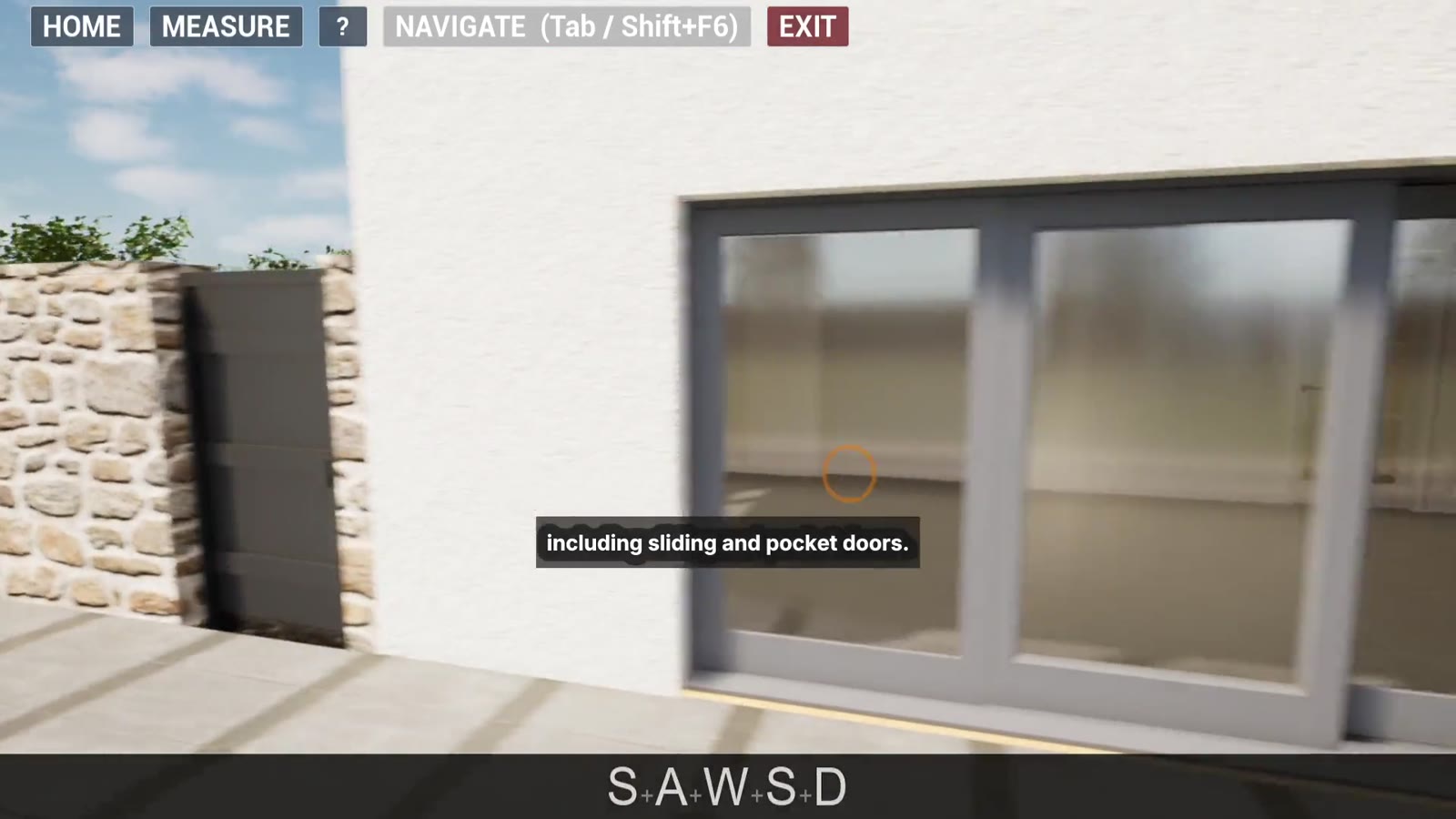
Doors and gates open as you approach, including sliding and pocket doors, and close behind you.
1:46Furnishing
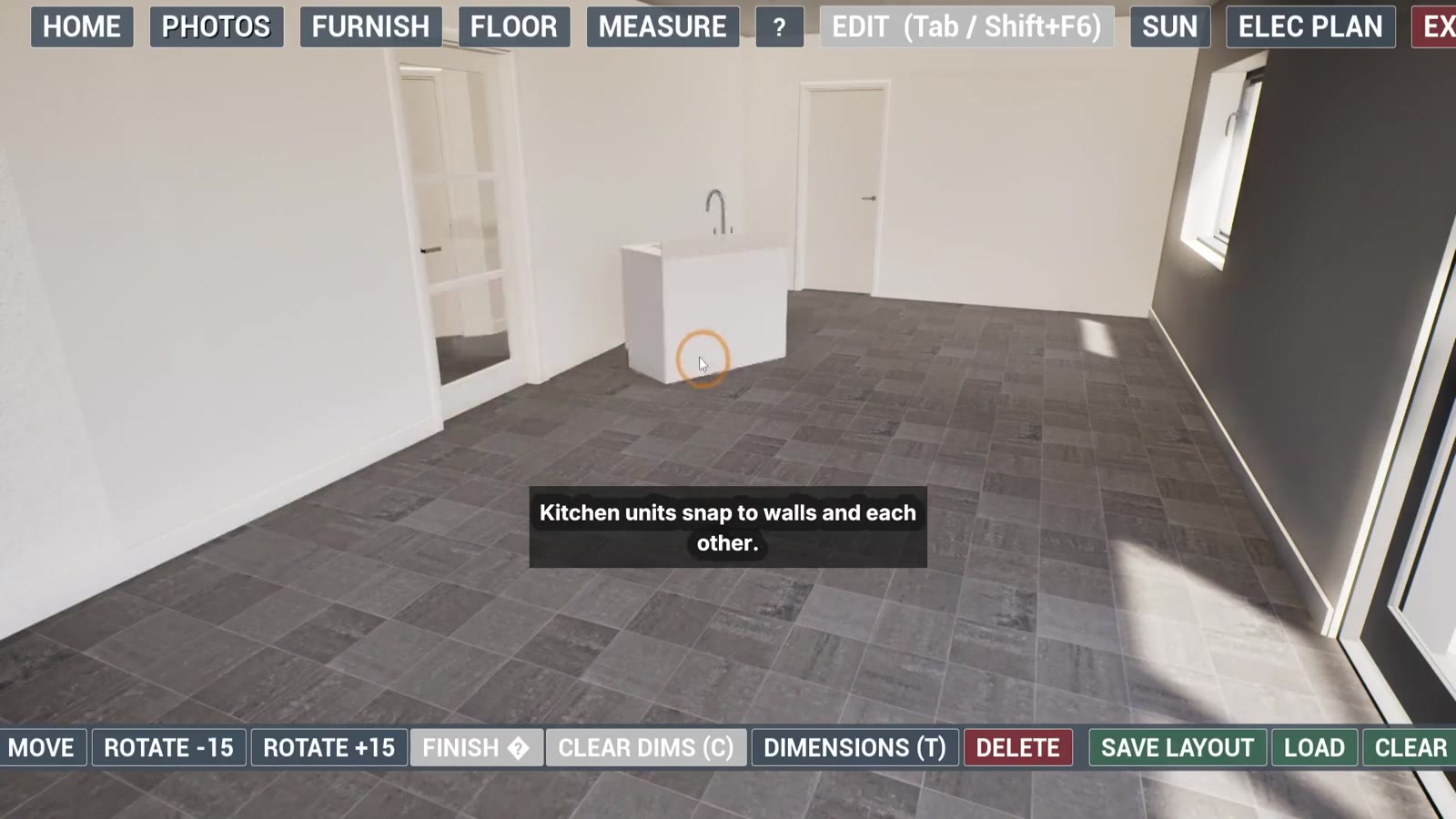
Pick items by room, place them, and turn them; kitchen units snap to walls and to each other.
2:31Editing placed items
Move, rotate in 15° steps, change the finish, show dimensions or delete any item.
3:03Electrical items
Place sockets, switches and the fuse box, and set wall heights in 10 mm steps.
3:25Floor finishes
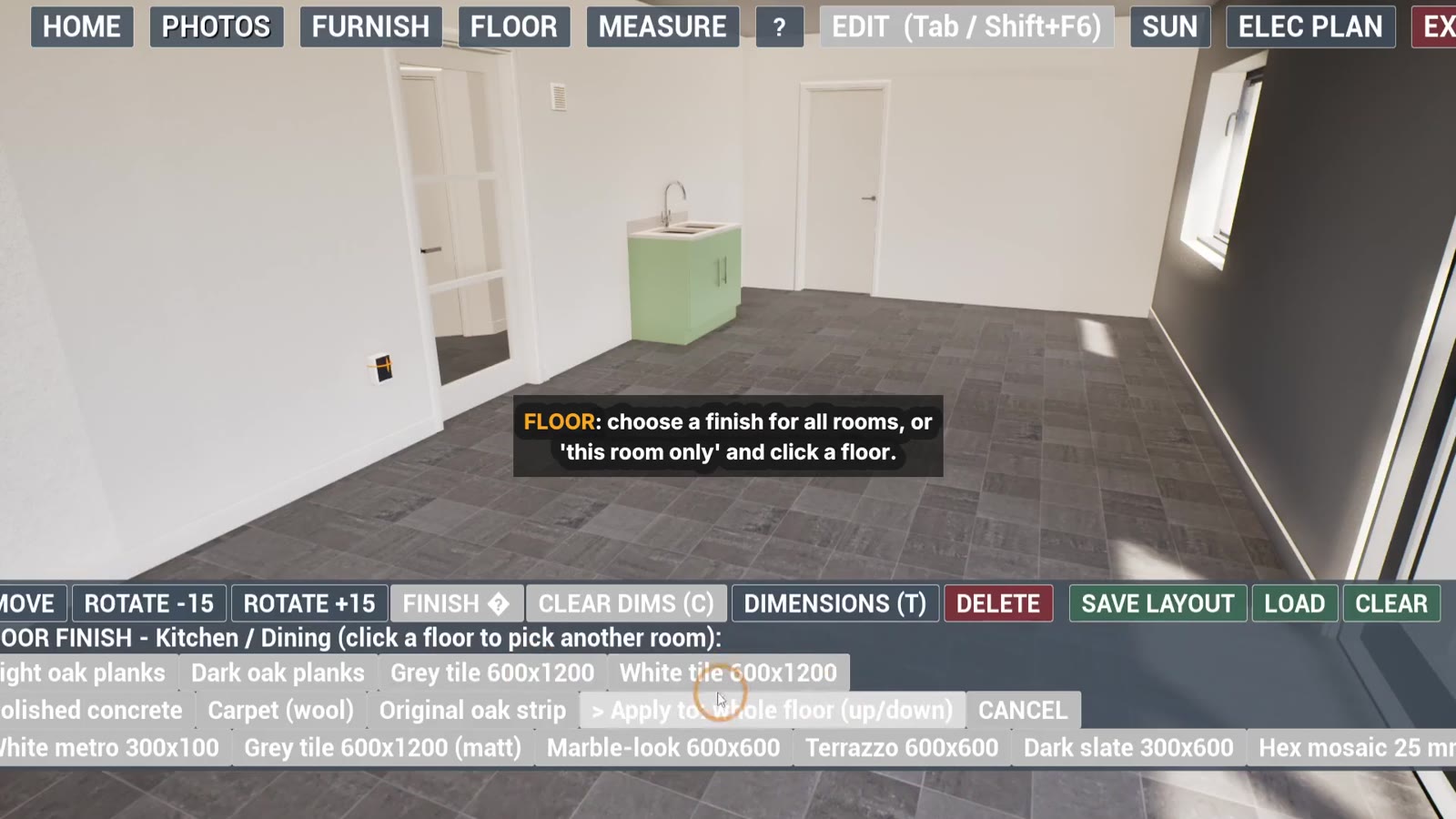
Choose a floor finish for the whole house or one room, including bathroom tiles.
3:45Saving layouts
Save up to 10 layouts and load them back; the latest loads at start.
4:02Measuring
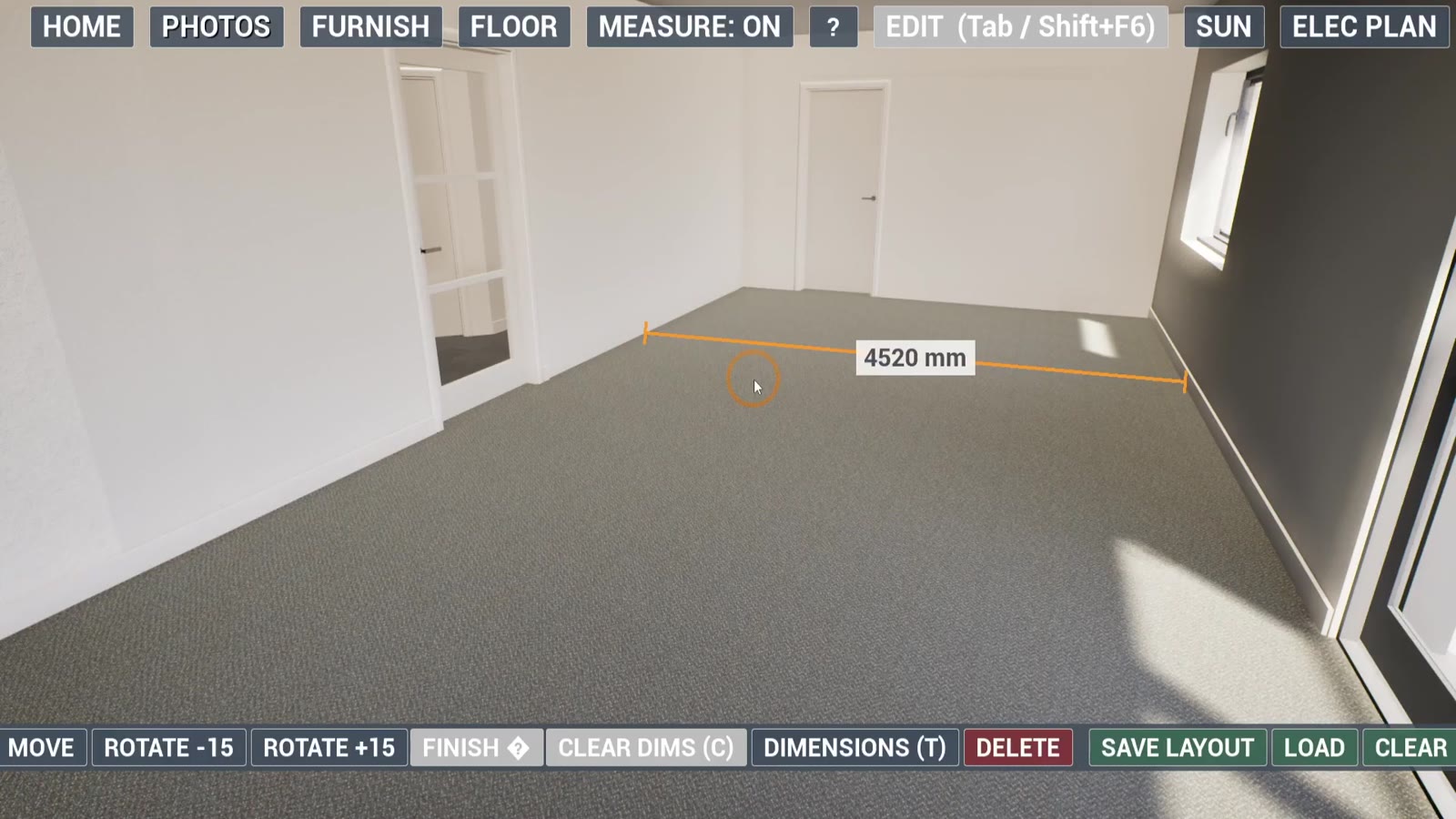
Click two points for a distance in mm; points snap to edges and corners.
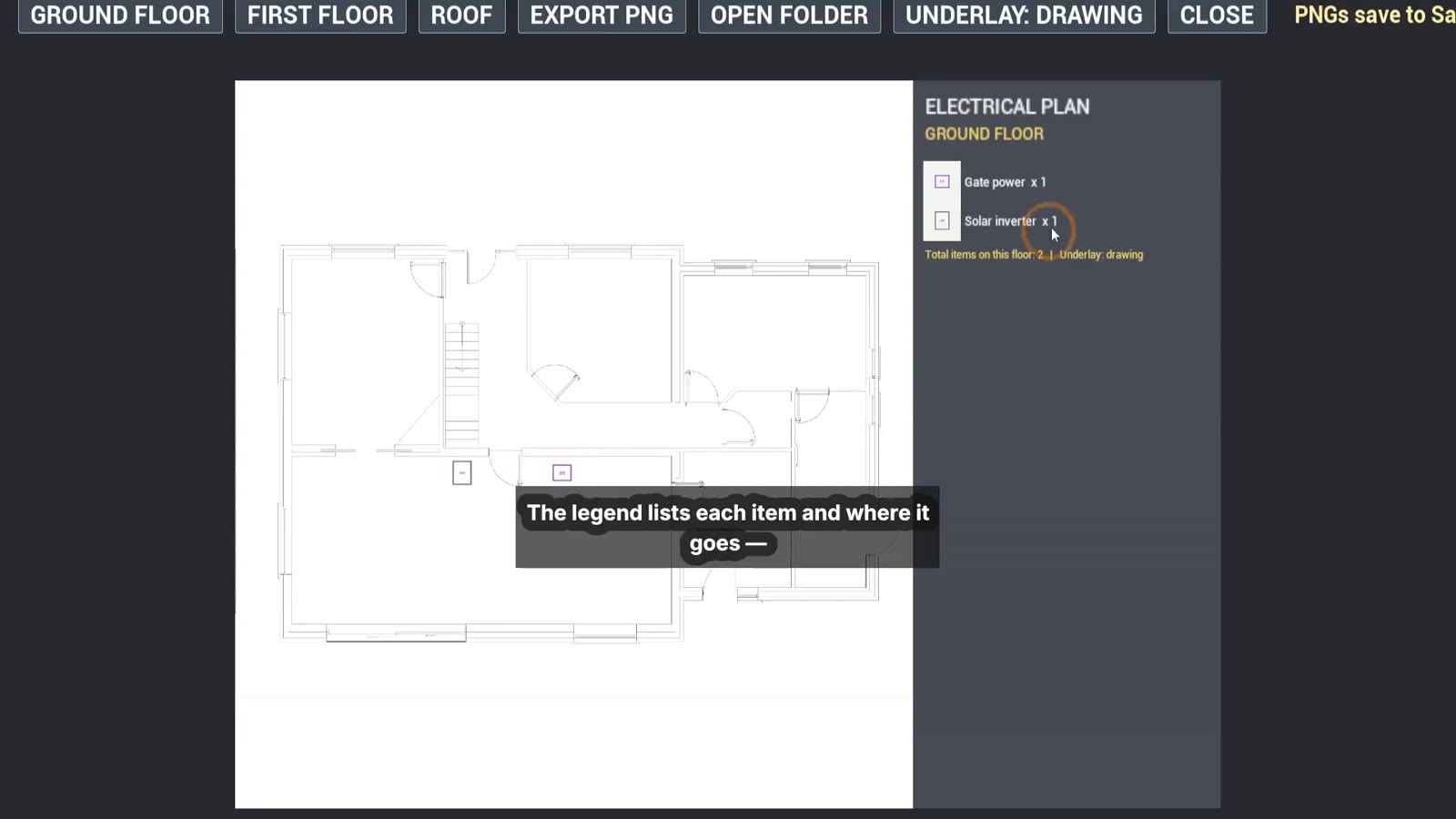
4:41Electrical plan
See the electrical layout per floor with a legend, and export it as a high-res PNG for your electrician.
5:23Solar panels
Place PV panels that sit flush to the roof pitch.
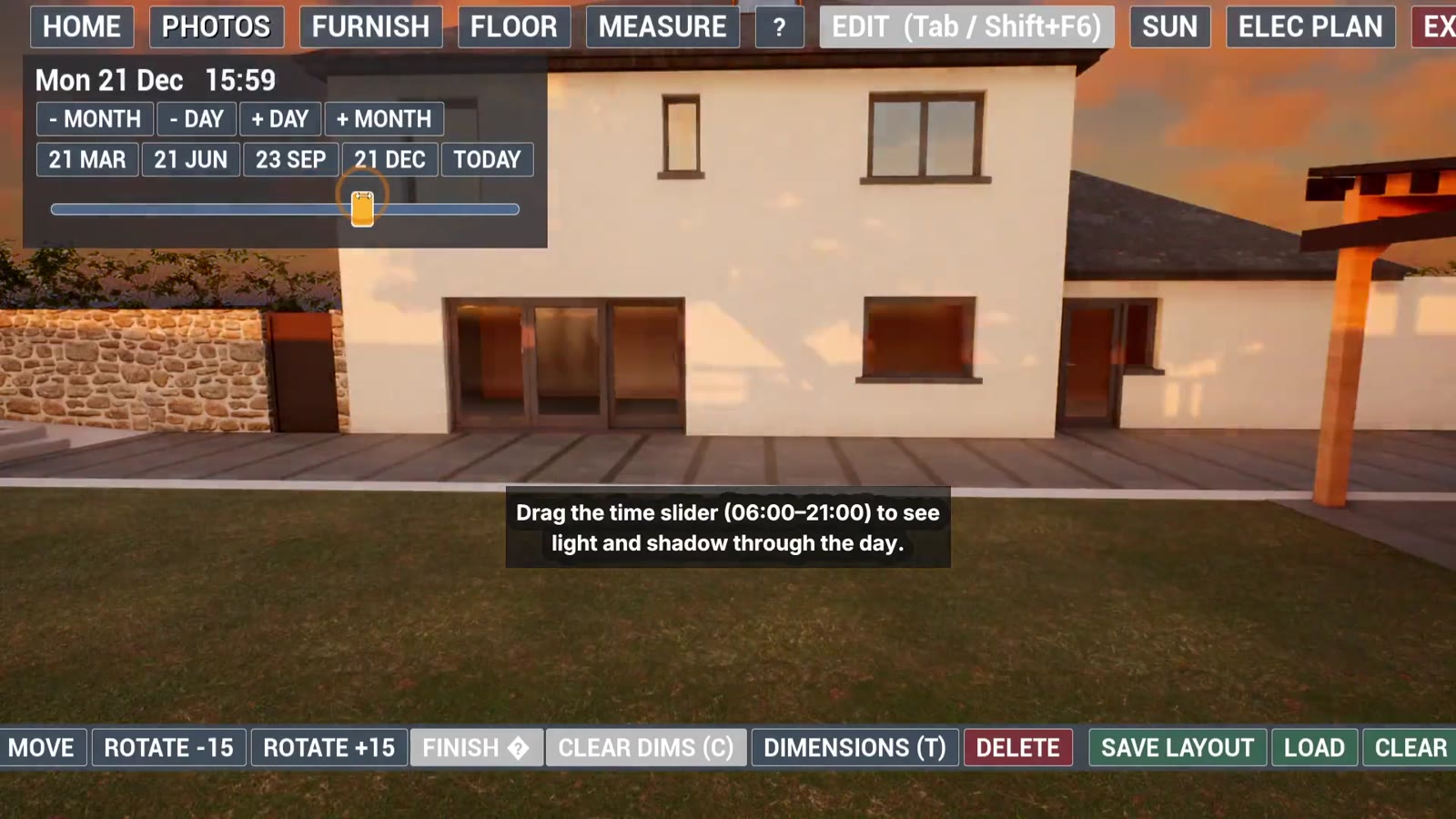
5:41Sun study
Pick a date and drag the time slider to see light and shadow from 06:00 to 21:00.
5:49Photos
Capture a still with F9 and browse saved photos in the gallery.
6:31Exiting
Save and exit, exit without saving, or go back.
From the video
Stills
Your project
What this means for your project
- You can walk through the rooms and check sizes before anything is built.
- Furniture and finishes can be tried out and saved as layouts to compare.
- The electrical plan gives you and your electrician one clear list of what goes where.
- Sun studies show which rooms get light at different times of the year.
- Photos from the model can be shared with family, builders or suppliers.
Get in touch
Send your plans
Send your plans and a line on what you'd like to see in the model. We'll reply with what's possible.